
Built for Divi 5
Prime Gallery Pro
Your photographs, shown the way they deserve.
Beautiful grids, cinematic sliders, and portfolios visitors can browse by story — designed in Divi, and identical on the live site.


One collection. Three ways to show it
A gallery for the wall. A carousel for the shot you want remembered. A portfolio visitors can filter by story. They share the same pictures, the same lightbox, and the same look you set in Divi.
Arrange it in the builder. Publish. What you see is what your visitors see.
Prime Gallery
Nothing but your images - in a grid, a mosaic, or a packed collage.


Prime Carousel
Put one photograph in the spotlight.


Prime Portfolio
Let people browse by story - Filter and show only what you want.


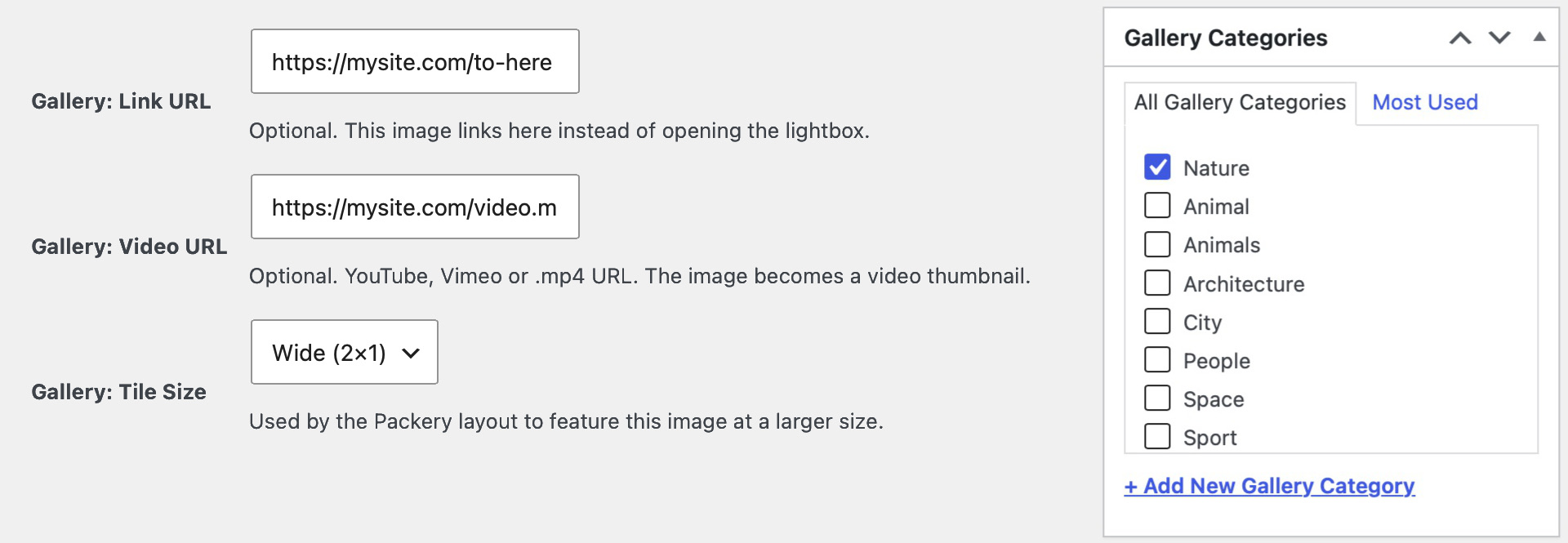
Describe a photo once. Use it everywhere
Give an image a link, a video, a featured size, or a collection name in your WordPress media library. Every gallery on the site picks that up on its own.
New work goes into the same place you already keep photographs. You do not rebuild those details in every module.
Settings that stay out of the way
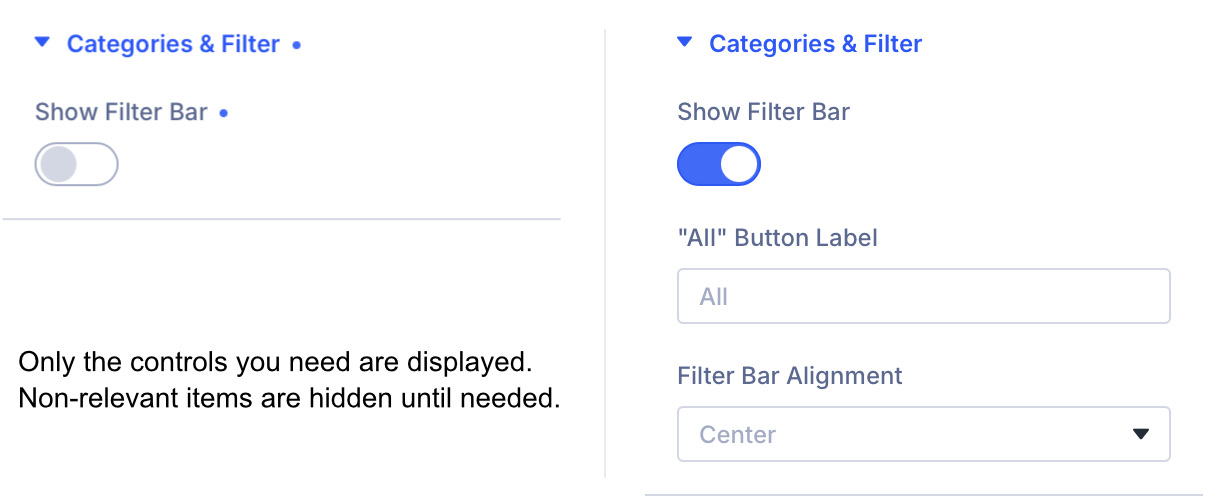
Choose a simple grid and the collage options step aside. Turn the Lightbox off and its styling disappears with it.
The panel stays short because it is relevant — not because there is nothing to design. Change a layout and you see it immediately, in the builder.
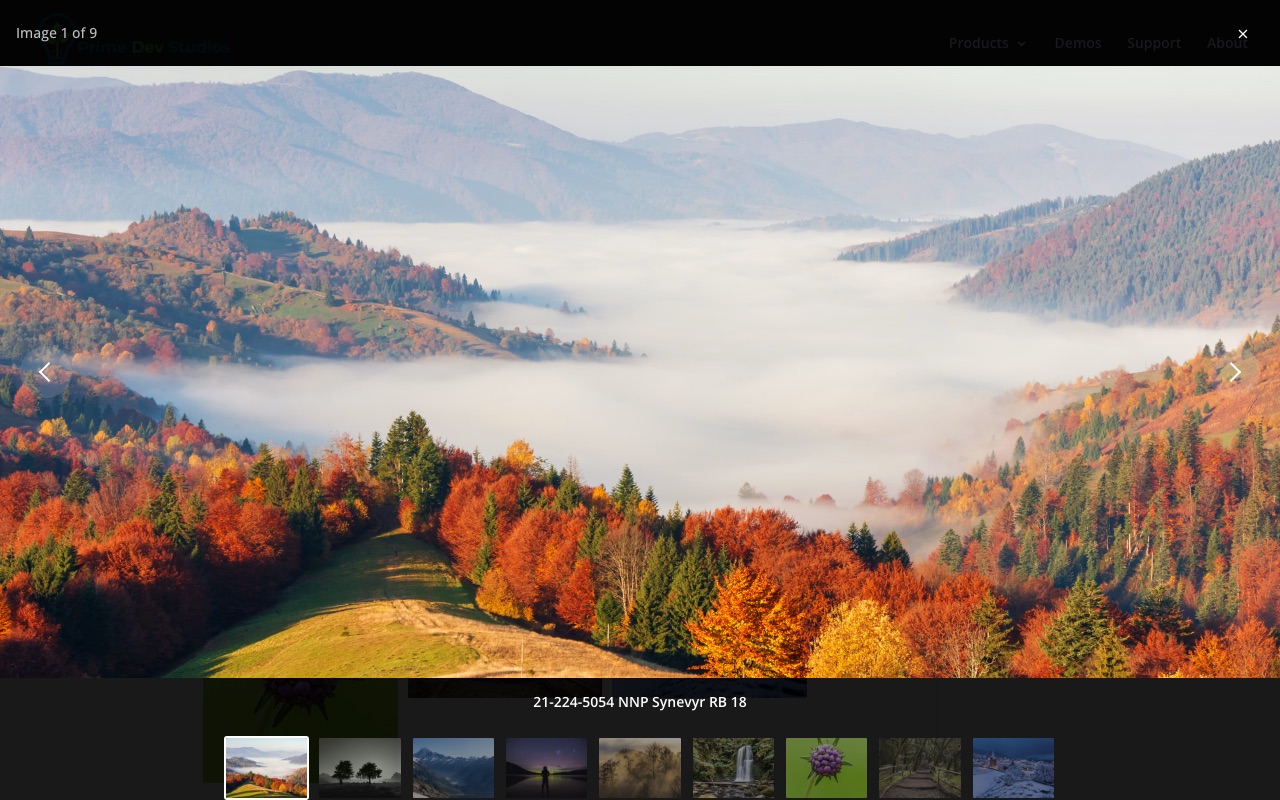
Click, and the picture takes the room.
Open a photograph or a film in a full-screen viewer. Captions, a thumbnail strip, share, and download are there when you want them.
YouTube, Shorts, Vimeo, and your own video files sit in the same viewer as stills. Several galleries on one page can open as one set.
It works from the keyboard, and it calms down if someone has asked their device to reduce motion.
The photograph you want them to remember
Center Mode keeps one image large and centred. Neighbours stay in view, a little quieter.
Center Mode is available when the next picture slides. Fade and Zoom move the whole frame and have no centred slide.
Arrows, dots, and autoplay are yours to design. Autoplay pauses when someone hovers or tabs to it.




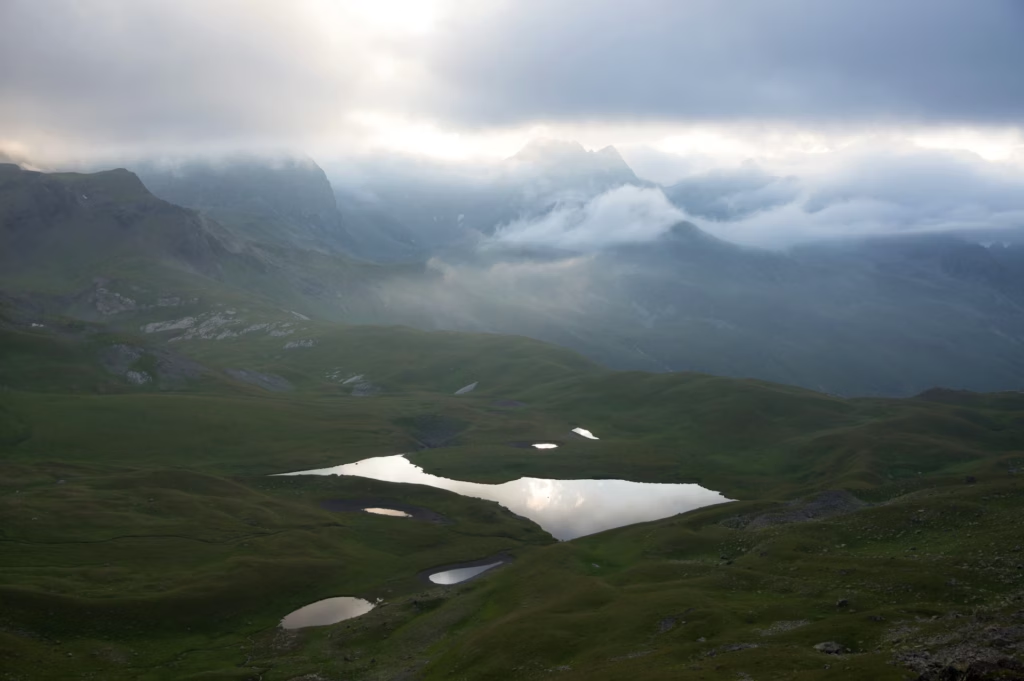



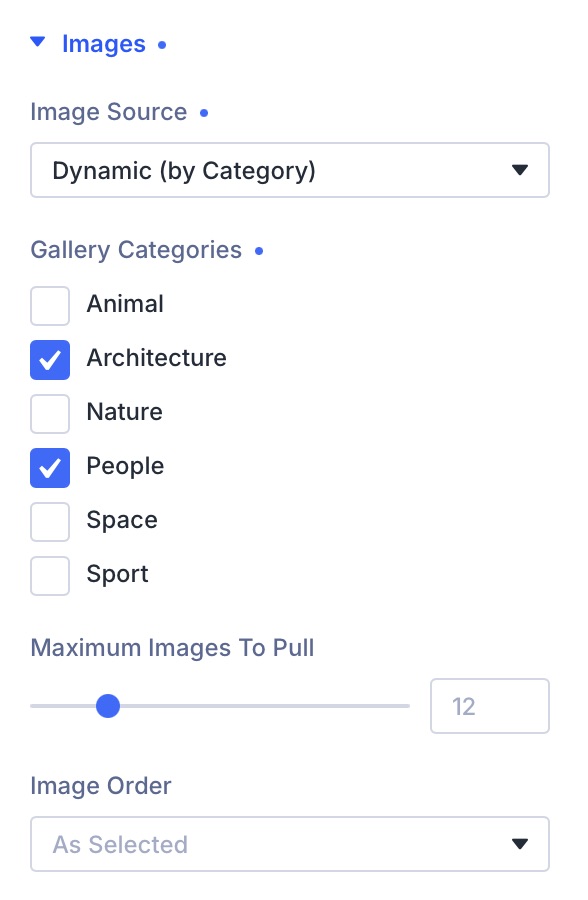
Add new work. The gallery keeps up.
Point a gallery at a collection — architecture, weddings, a season of landscapes — and it fills from the photographs you already tagged.
Cap how many appear, keep the newest first, and the page stays current when you upload again.
On Portfolio, the collection they chose is kept in the page address. A shared link opens already filtered — even if you hide the filter bar.
Three ways to present a collection

Quiet on the page. At home in Divi
The photographs come first. This is the part that keeps the site calm for the people who build and maintain it.
Made for Divi 5
Native modules, live in the builder. What you arrange is what publishes — no extra preview steps.
Nothing extra loaded
No jQuery. No third-party gallery scripts on the page. Assets load only where a gallery actually appears.
Your media library stays in charge
Pictures are not copied into the module. Links, video, and collections live on the image, once.
Comfortable to use
Keyboard-friendly lightbox, visible focus, and motion that respects the visitor’s device settings. Aimed at WCAG 2.1 AA.
Ready to translate
Every label you see in the builder can be translated. The plugin ships with a language file.
Needs
Divi 5.9.0 or later, WordPress 6.4+, PHP 7.4-8.x.
Show your work at its best.
One plugin for Divi 5. Three ways to present a collection.
Requires:
- WordPress 6.4+
- PHP 7.4–8.x
- Divi 5.9.0+
Compatibility:
- GPL-2.0-or-later
- Translation-ready
- WCAG 2.1 AA
Image Attribution:
- Unsplash
- Wikimedia Commons