
Built for Divi 5
Prime Charts
The number, shown clearly.
Connect the chart to a live feed, or paste the rows. A gauge for the goal. A tile for the figure that matters today. The numbers stay readable even when the picture cannot be seen.
The picture can follow the source.
Keep the numbers where they already live. Point the module at that feed. Or paste a table. Or drop a file. The chart does not need to be redrawn by hand each week.
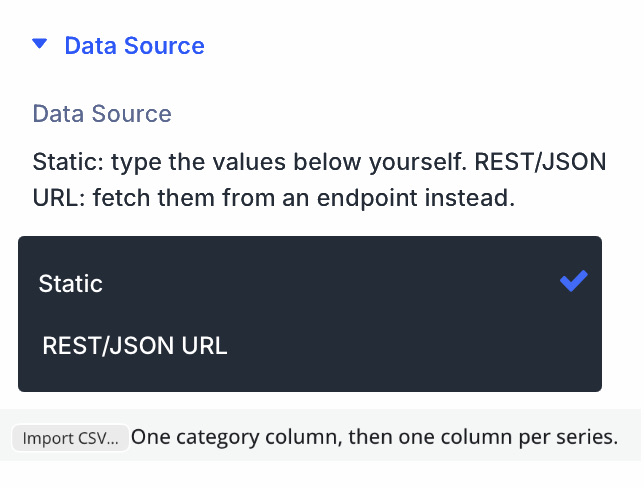
Three ways in. Lead with the live one.
Point Cartesian, Circular, or Radial at a feed and map up to six series from the same source. Gauge, Progress, and the stat tiles take a single figure — or a pair, if you are showing a change.
The feed is cached. You choose how often it is read again. It does not hammer the source on every visit, and it does not update by magic without a refresh.
A pasted table and a CSV file are also there. They are how you start. They are not the reason to choose this plugin.
The numbers remain, if the picture cannot be seen.
Each chart includes a data table with the same values as the graphic. A screen reader is not left with a title and an empty shape.
Gauges and stat tiles speak the current figure in their label. Motion follows the visitor’s device: if they have asked for less of it, the chart stays still.
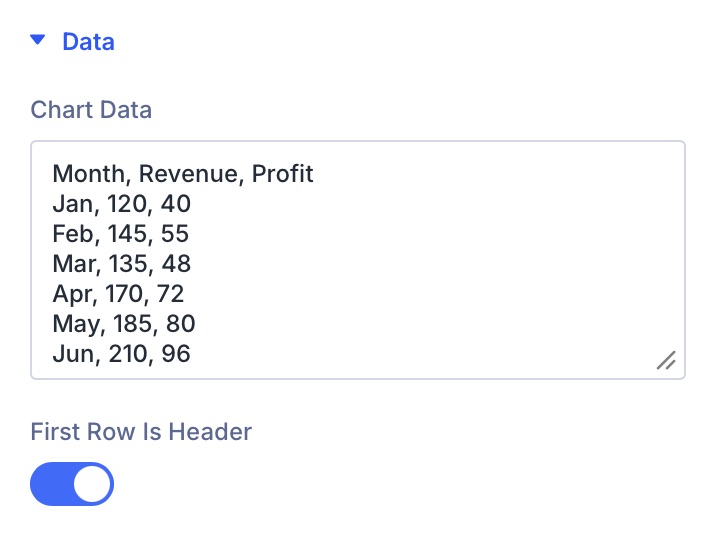
The figures a dashboard actually uses
Lines and slices are here. So are the pieces most dashboards are made of — a goal, a ring of goals, a number with its change, a short record.
Cartesian
Line, area, vertical bar, horizontal bar, or both in one chart. Several series. Stacked if you need it.
Circular
Pie, donut, polar area, radar. The hole in a donut is yours to set.
Gauge
One number against a minimum and a maximum. The goal, in one glance.
Radial
Concentric rings — one per row — and a total in the centre.
Progress
A bar toward a target. Light on the page. No charting library loaded for this module.
Stat Value and Stat Details
A tile for the figure that moved. A list for the record behind it. No chart shape required.
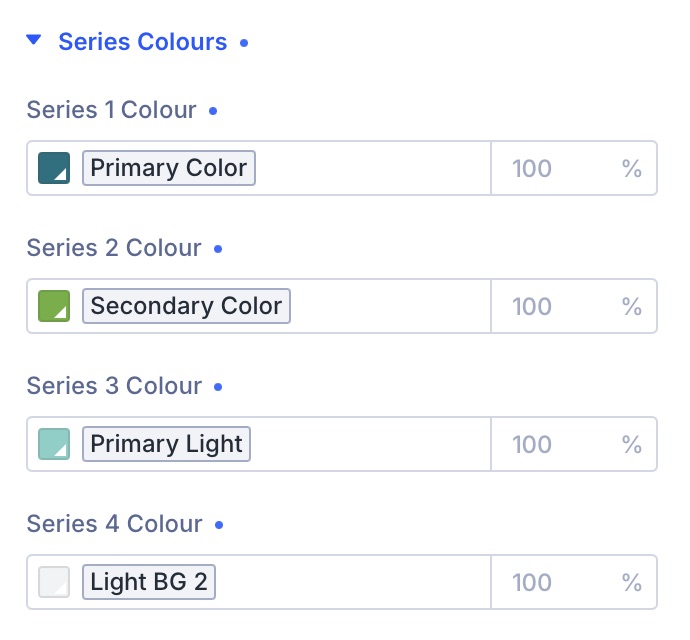
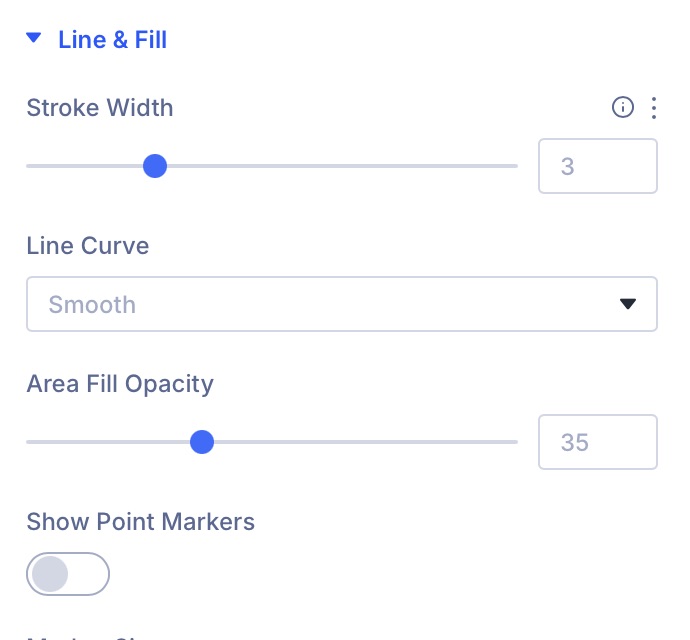
Designed in the same tabs you already use
Content, Design, Advanced. Colours, strokes, fills, bar radius, gauge tracks, type, grid. What does not apply to the current mode is hidden — it is not left sitting in the panel looking live.
What you arrange in the builder is what publishes. Light and dark follow the page. Export as SVG, PNG, or CSV is available on Cartesian, Circular, Gauge, and Radial, and stays off until you turn it on.
Quiet on the page. At home in Divi
The figures come first. This is the part that keeps the site calm for the people who build and maintain it.
Made for Divi 5
Native modules, live in the builder. What you arrange is what publishes — no extra preview step.
Load only where it is needed
The charting library arrives on pages that contain a chart, once per page. Progress and the stat tiles never load it.
Comfortable to use
A hidden data table on every chart. Spoken values on gauges and stats. Motion that respects the visitor’s device.
Ready to translate
Every label you see in the builder can be translated. The plugin ships with a language file.
Feeds are handled with care
Addresses are checked before a fetch. Requests are time-boxed. The preview in the builder uses the same permissions as editing the page.
Needs
Divi 5.6.2 or later, WordPress 6.0+, PHP 7.4+.
Seven modules. One plugin.
Start with the overview. Open a module page when you want the controls for that shape.
Show the number. Keep the frame quiet.
Prime Charts for Divi 5. Seven modules, one way of working.
- Requires Divi 5.6.2+, WordPress 6.0+, PHP 7.4+
- Translation-ready · GPL-2.0-or-later