
A module in Prime Gallery Pro
Prime Gallery
Nothing but your images.
Four layouts so a collection can sit in even rows, keep every natural height,
fill the row edge to edge, or let a few pictures lead.
Four layouts. The pictures decide the rest.
Pick how the set should sit on the page. Spacing, order, and captions follow. What you arrange in Divi is what visitors see.
Masonry — each photograph keeps its own height, like a pinboard.

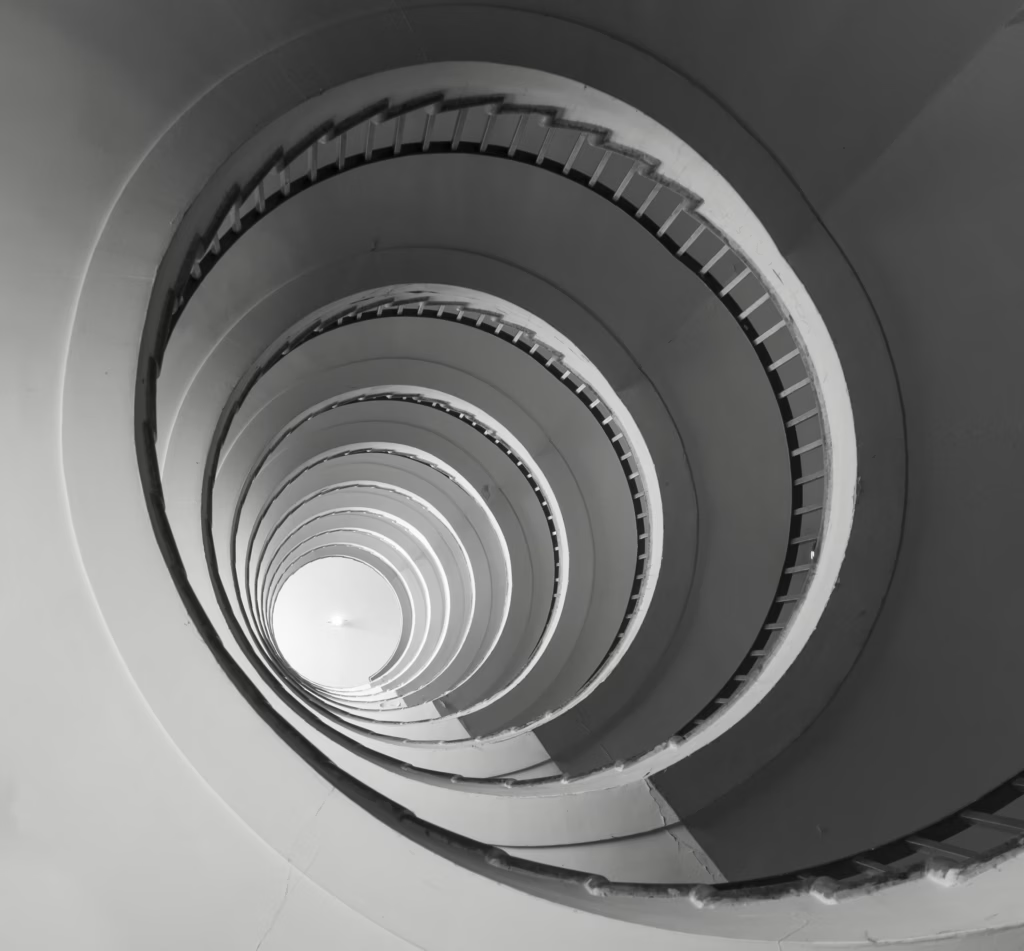

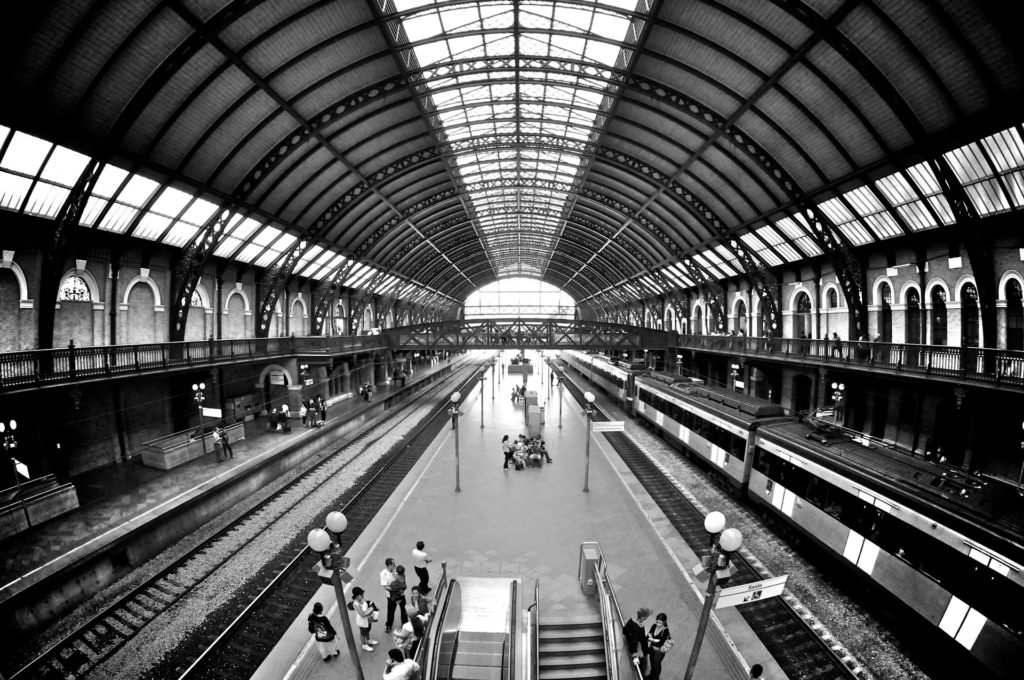

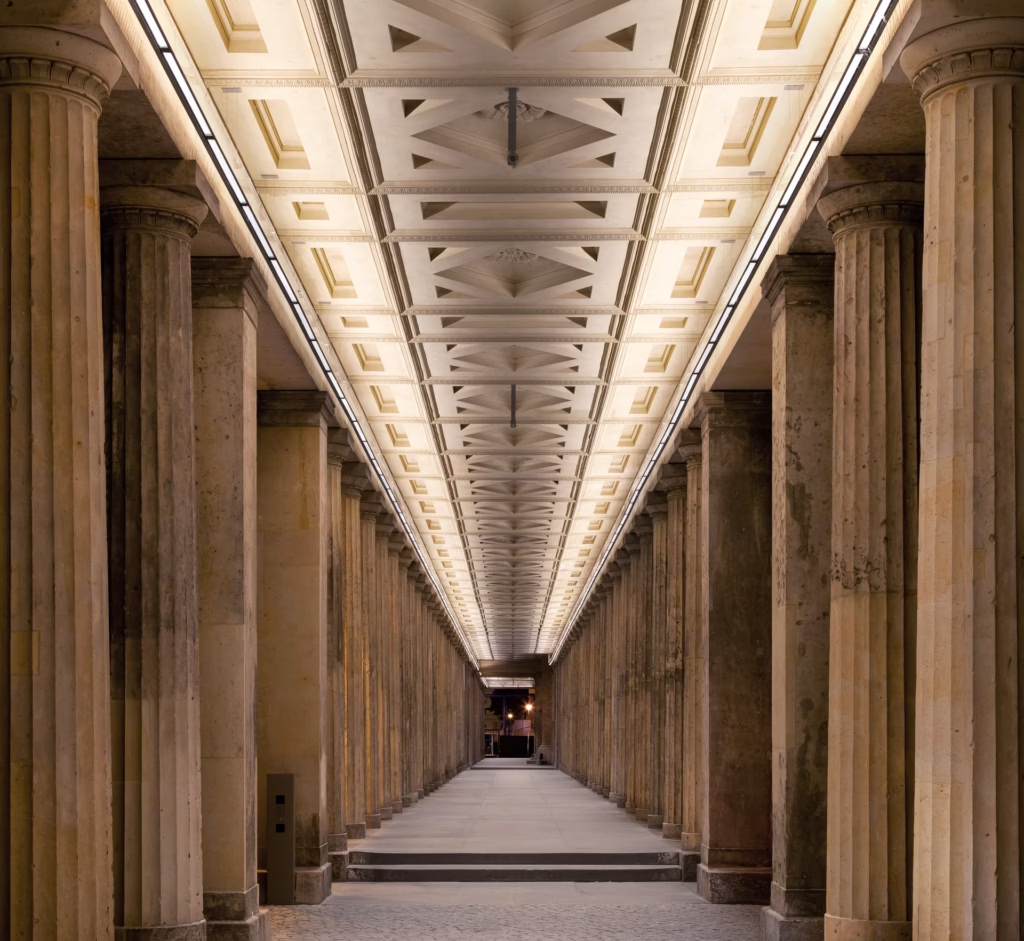
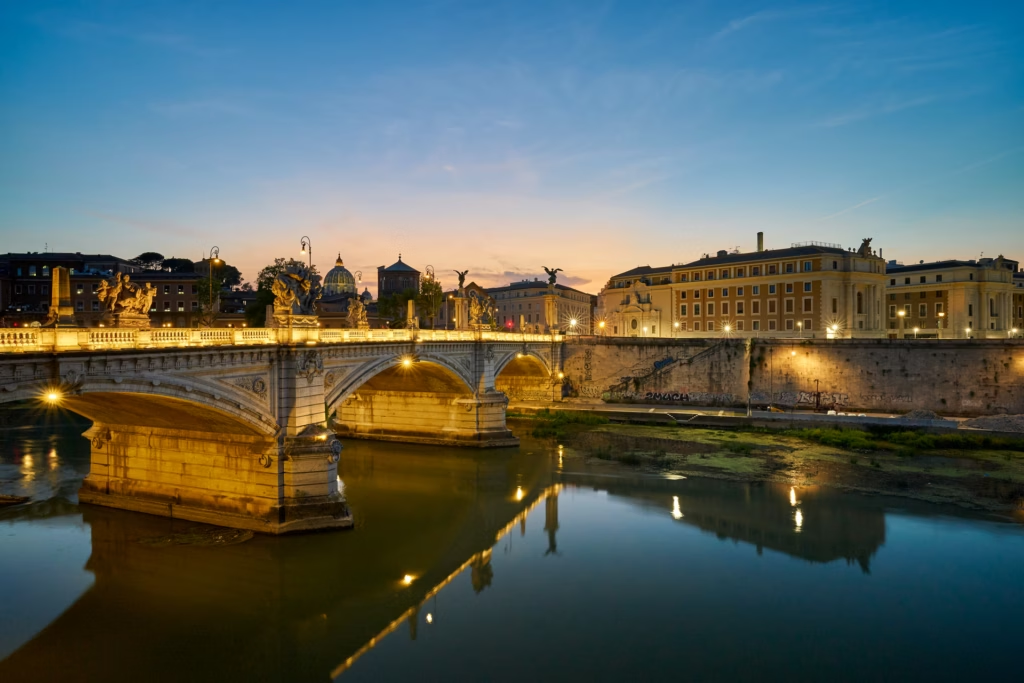
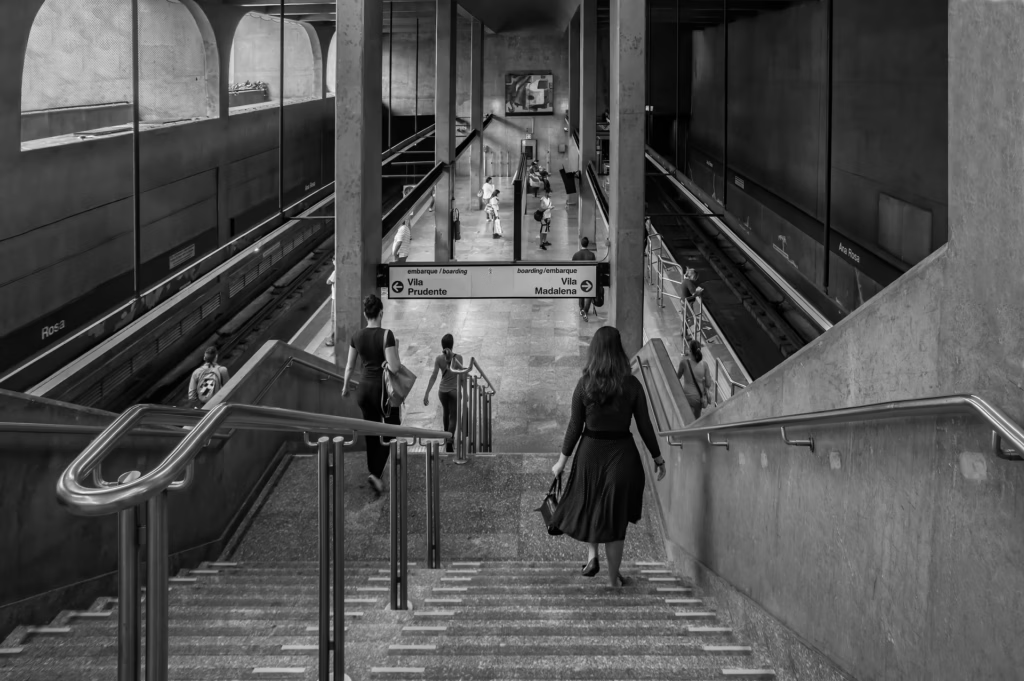

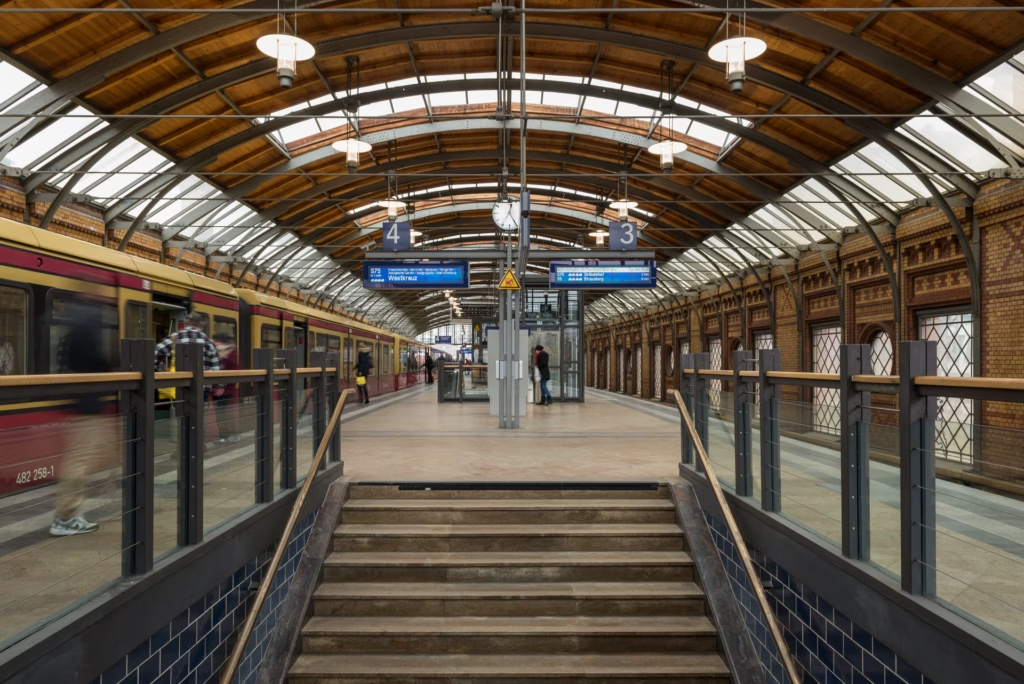

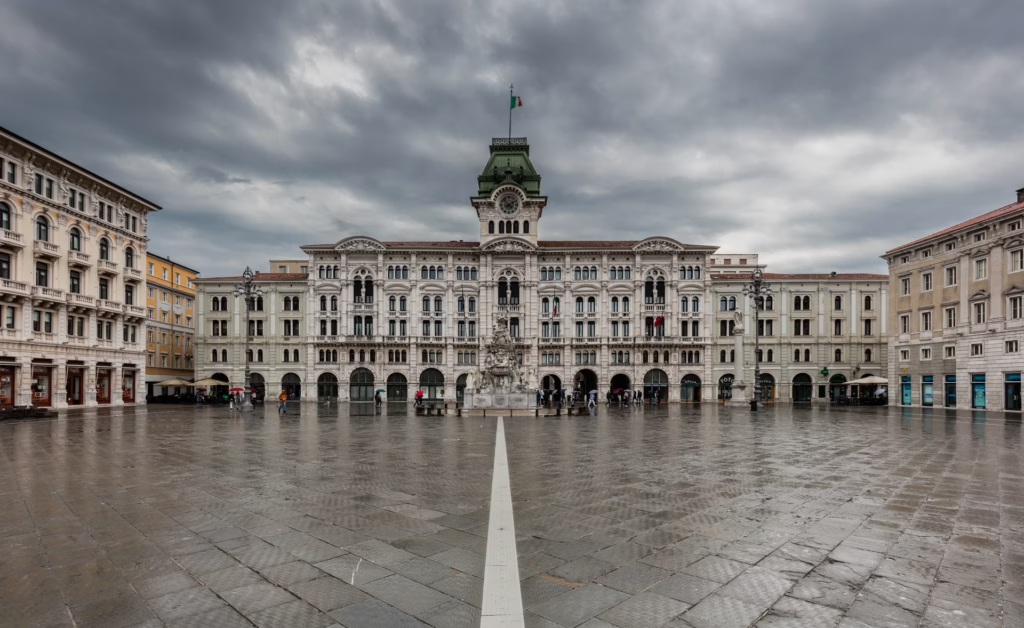

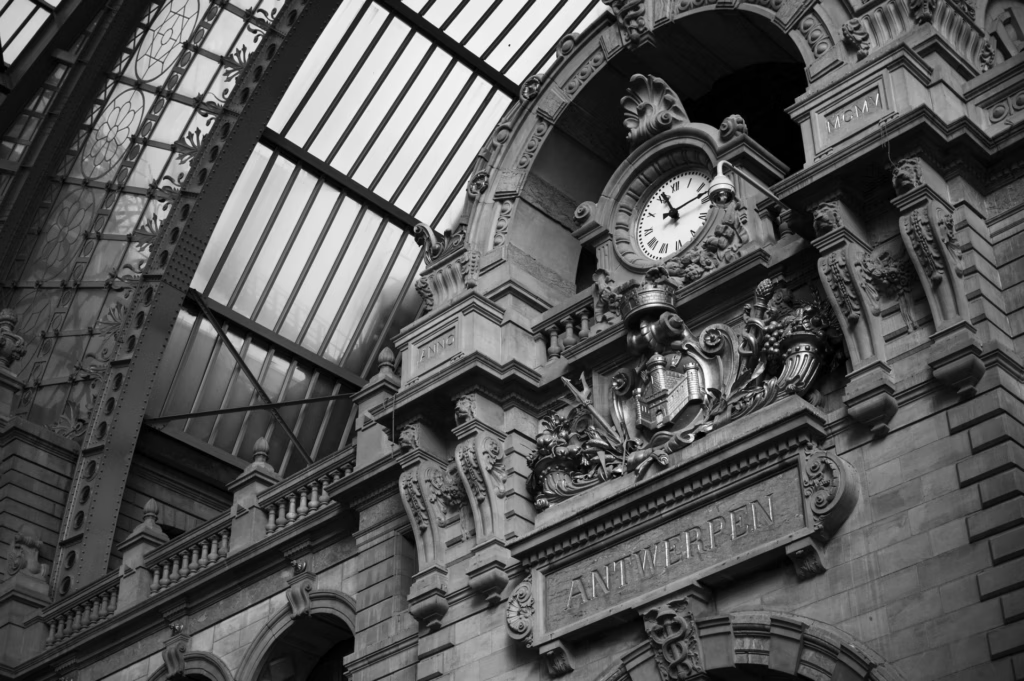
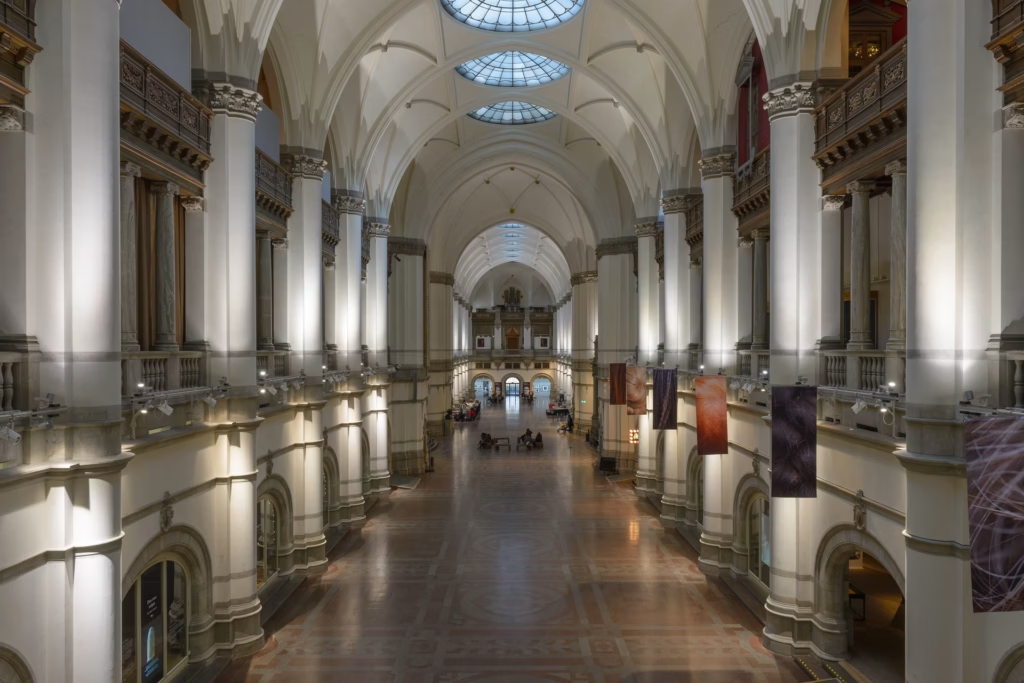
Grid — even columns and rows. Optional fixed cell height.
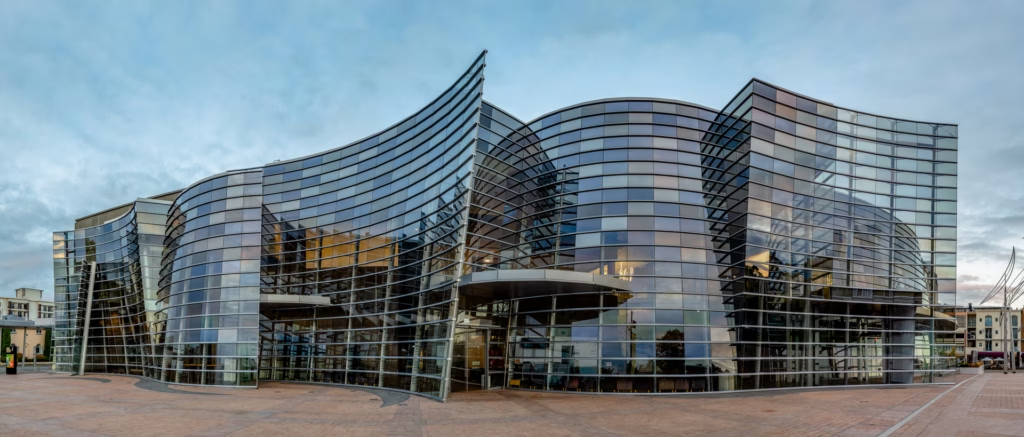
Justified — fitted rows that run edge to edge. The last row can sit left, stretch, or hide.
Packery — mark a few pictures Large, Wide, or Tall. The rest nest around them.

Caption & zoom overlay

Gradient overlay
Grayscale to color
Hover that feels considered
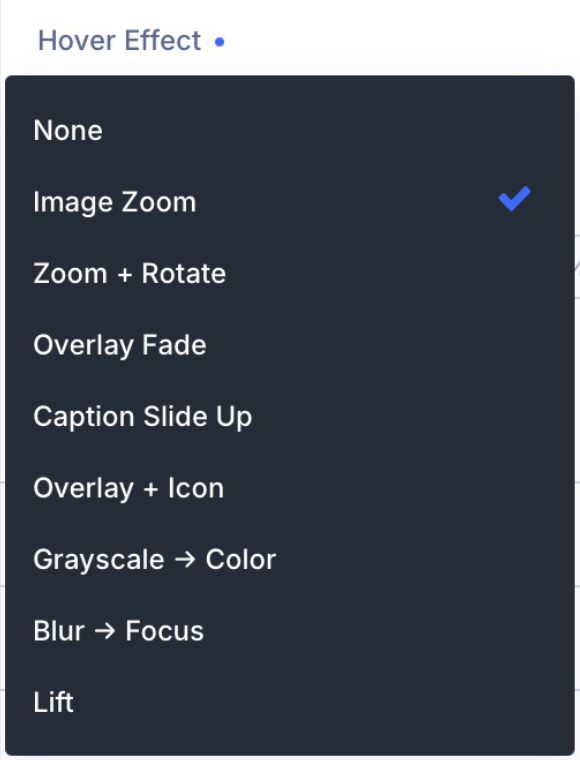
Nine treatments — zoom, lift, fade, a caption that slides, a shift to black and white, and the rest — so a pass of the cursor can reveal a title without shouting.
Colour the overlay, run a two-colour wash across it, or place an icon from Divi’s set. Captions can sit on the picture or quietly underneath.
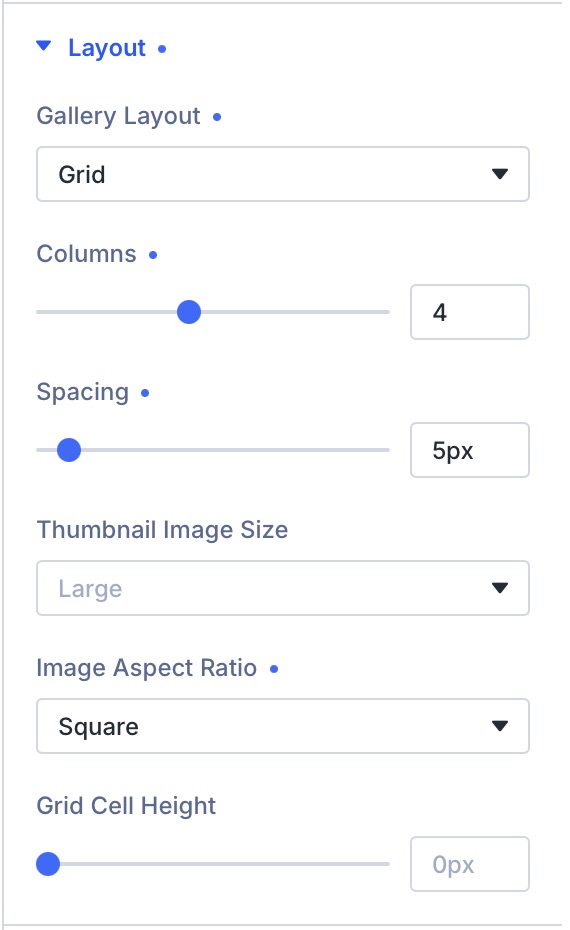
Columns, spacing, and a still or moving set.
Choose columns and spacing for desktop, tablet, and phone. Keep a fixed cell height, or let each photograph keep its shape.
A clip can show a muted preview as someone hovers — then open the full player on click. Still photographs can open the lightbox, or take the visitor to a project page.
If a visitor has asked their device to reduce motion, the preview stays still.
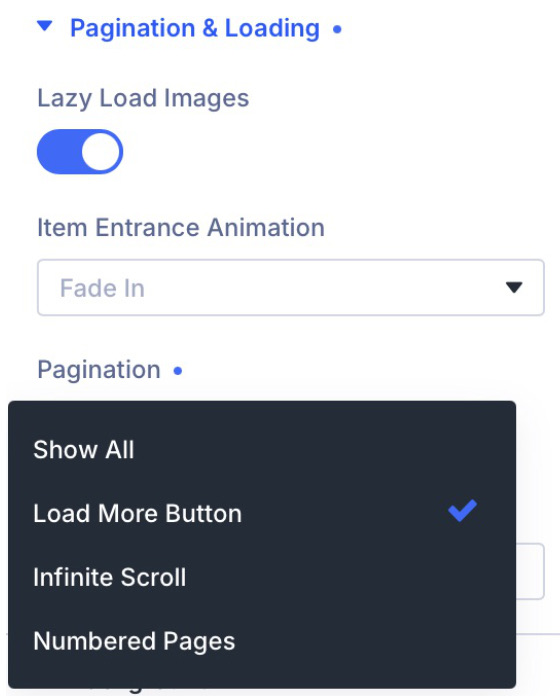
A long collection does not have to dump everything at once
Stop after a first view, offer a Load more button, number the pages, or let the next pictures arrive as someone scrolls.
Pictures further down wait their turn. When they arrive, they can ease in — or appear at once, if you prefer a still page.
Let a few pictures lead
In Packery, mark a photograph Large, Wide, or Tall on the image itself. It takes more of the wall. Everything else packs in around it.
That mark lives with the picture, so the same hero can lead in more than one gallery.


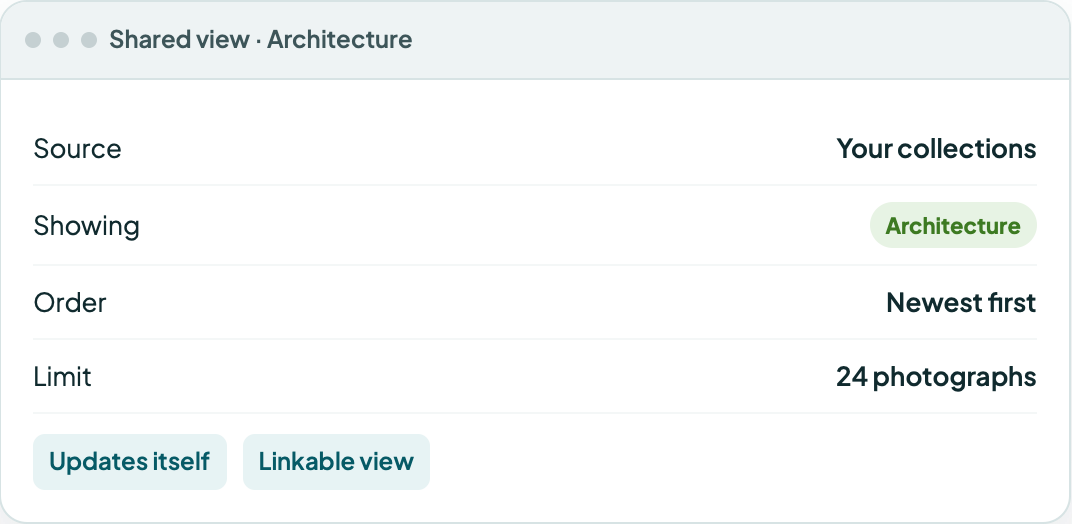
Add new work. The wall keeps up.
Select pictures by hand, or point the gallery at a collection you already use — a wedding year, a coast, a building series.
Keep the newest first and cap how many appear. The next upload lands on the page without opening the module again.
Three modules. One plugin.

Prime Gallery
Nothing but your images.
You are viewing this module.
Show your work at its best.
Prime Gallery is one of three modules in Prime Gallery Pro for Divi 5.
- Requires Divi 5.9.0+, WordPress 6.4+, PHP 7.4–8.x
- Translation-ready · WCAG 2.1 AA · GPL-2.0-or-later