
A module in Prime Gallery Pro
Prime Carousel
One photograph in the spotlight.
The next picture can slide, fade, or grow into place. Neighbours can stay in view, a little quieter.
The picture you want them to remember.
Center Mode keeps one image large and centred. Neighbours stay in view, a little quieter.
Center Mode keeps one image large and centred. It is only offered when the next picture slides.
Fade and Zoom move the whole frame. In Center Mode the set always loops.








Slide, Fade, or Zoom. One slide, or several in a row.


Slide
Fade
Zoom
How the next picture arrives
Slide, Fade, or Zoom is how the next picture arrives — Center Mode itself only comes with Slide.
Center Mode is only offered with Slide. It always loops — there is no separate Loop control in that state.
Arrows and dots you can actually design
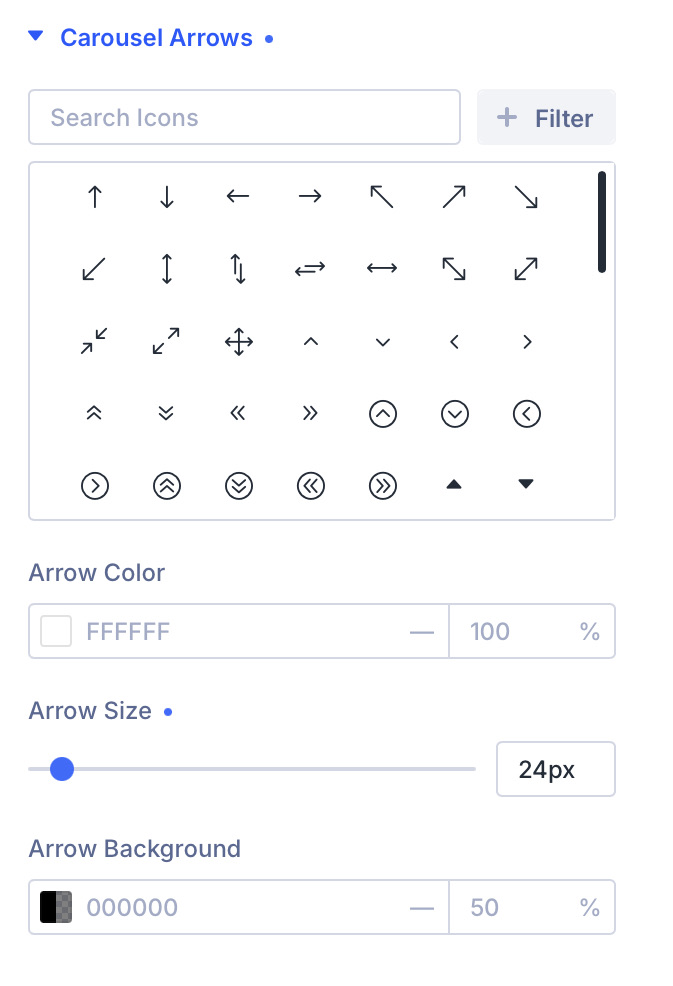
Pick the previous and next icons from Divi’s set. Set their colour, size, and background on their own — not as a single bundled control.
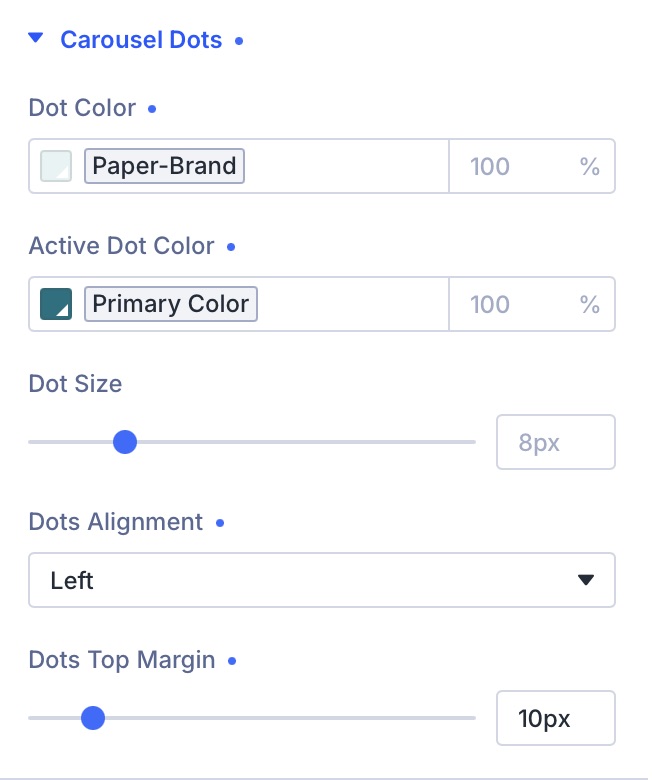
Dots get their own colour, active colour, size, alignment, and spacing. The chrome can disappear into the photograph, or sit clearly on top of it.


Quiet the neighbours
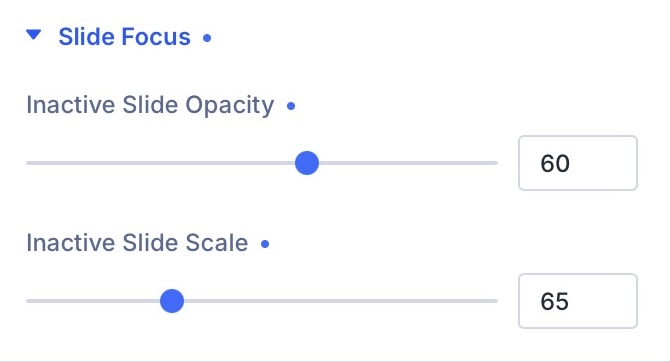
Slide Focus dims and shrinks every slide that is not in the middle, so the eye stays on the photograph you chose.
The others remain visible. The set still reads as a collection. Nothing drops off into a blank strip at the end of the row.


Three modules. One plugin.

Prime Carousel
One photograph in the spotlight.
You are viewing this module.
Show your work at its best.
Prime Carousel is one of three modules in Prime Gallery Pro for Divi 5.
- Requires Divi 5.9.0+, WordPress 6.4+, PHP 7.4–8.x
- Translation-ready · WCAG 2.1 AA · GPL-2.0-or-later